Calendar
The Calendar is the agenda of customer meetings: in-person and virtual appointments, with each advisor's real availability. The agent books here when it has the Scheduling skill on, and every appointment can trigger automatic reminders from Flows.
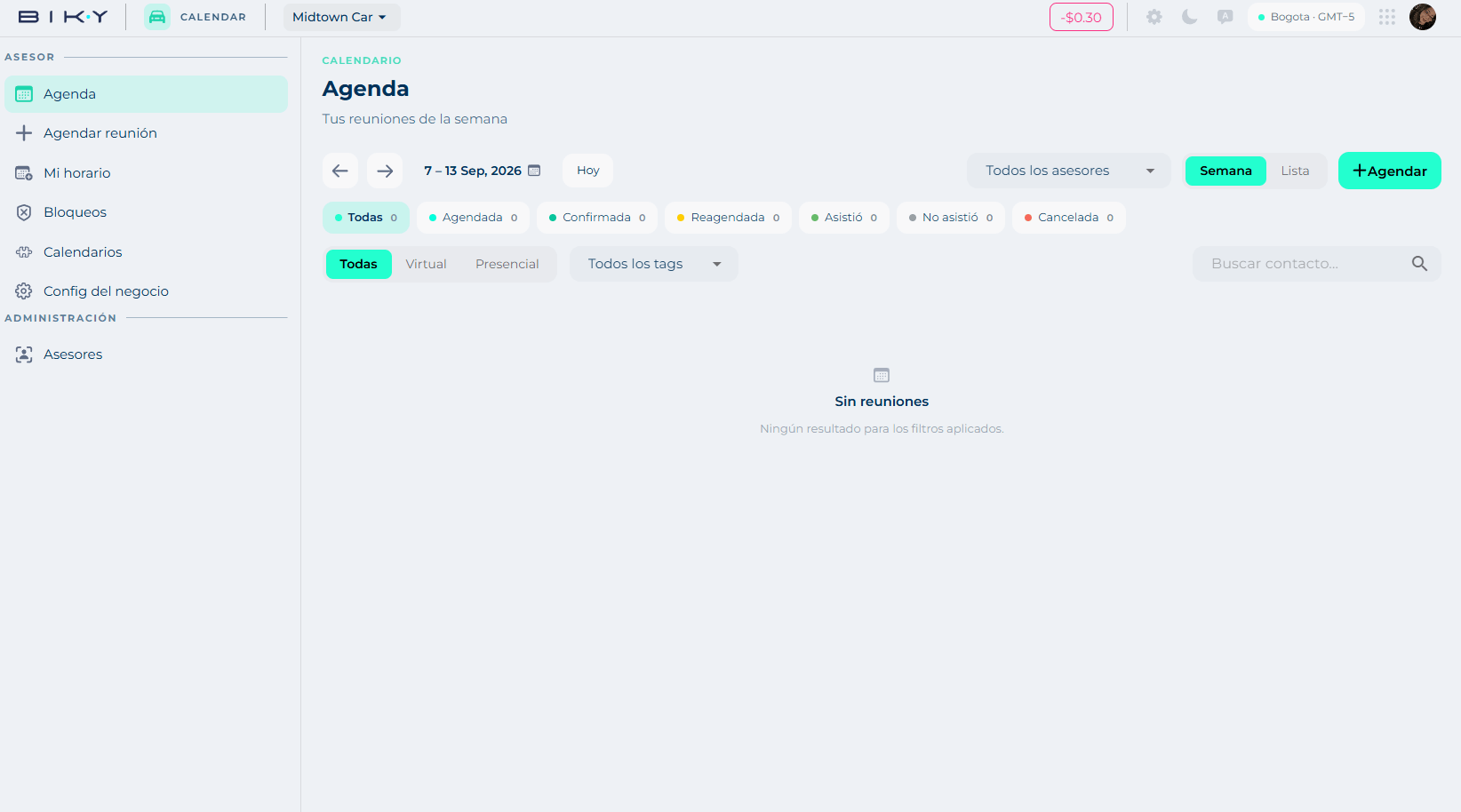
The side menu
| Group | Section | What is there |
|---|---|---|
| Advisor | Agenda | Your meetings for the week. |
| Book meeting | Find availability and create an appointment. See Book. | |
| My schedule | Your weekly availability and settings. See Availability. | |
| Blocks | When you are not available. | |
| Calendars | Connect Google Calendar and Outlook. | |
| Business config | Default scheduling rules. | |
| Administration | Advisors | The team and the state of each one's agenda. |
Top right, besides the balance, you see the account's time zone (for example Bogotá · GMT‑5). All times are shown in that zone.
The agenda
Navigation: ← / → arrows to move between weeks, the date range with a picker, and Today to come back.
Views: Week (the grid) and List.
Status filters, each with its count:
| Status | What it means |
|---|---|
| All | No filter. |
| Booked | Created, not yet confirmed. |
| Confirmed | The customer confirmed. |
| Rescheduled | Moved to another date or time. |
| Attended | The customer showed up. |
| No show | They did not show up. |
| Cancelled | It was cancelled. |
More filters: by modality (All, Virtual, In person), by tag (tags are branches or areas: sales, workshop, customer_service, leon_north…), by advisor (All advisors or one) and search contact.
The + Book button opens meeting creation.
Mark attended / no show
Statuses are not decorative: No show is what feeds the follow-up flows (the No Show flow) and the Metrics. An agenda where everything stays Booked is useless for measuring anything.
In this section
- Book a meeting: find availability, pick an advisor and confirm.
- Availability and configuration: your schedule, blocks, external calendars, business rules and the advisor team.