Simulator
The simulator is a test chat against the agent's current configuration, with no channels or real customers. It is where you check that the personality sounds the way you want, that the knowledge is loaded and that intentions fire.
Open it under Biky admin → Simulator.
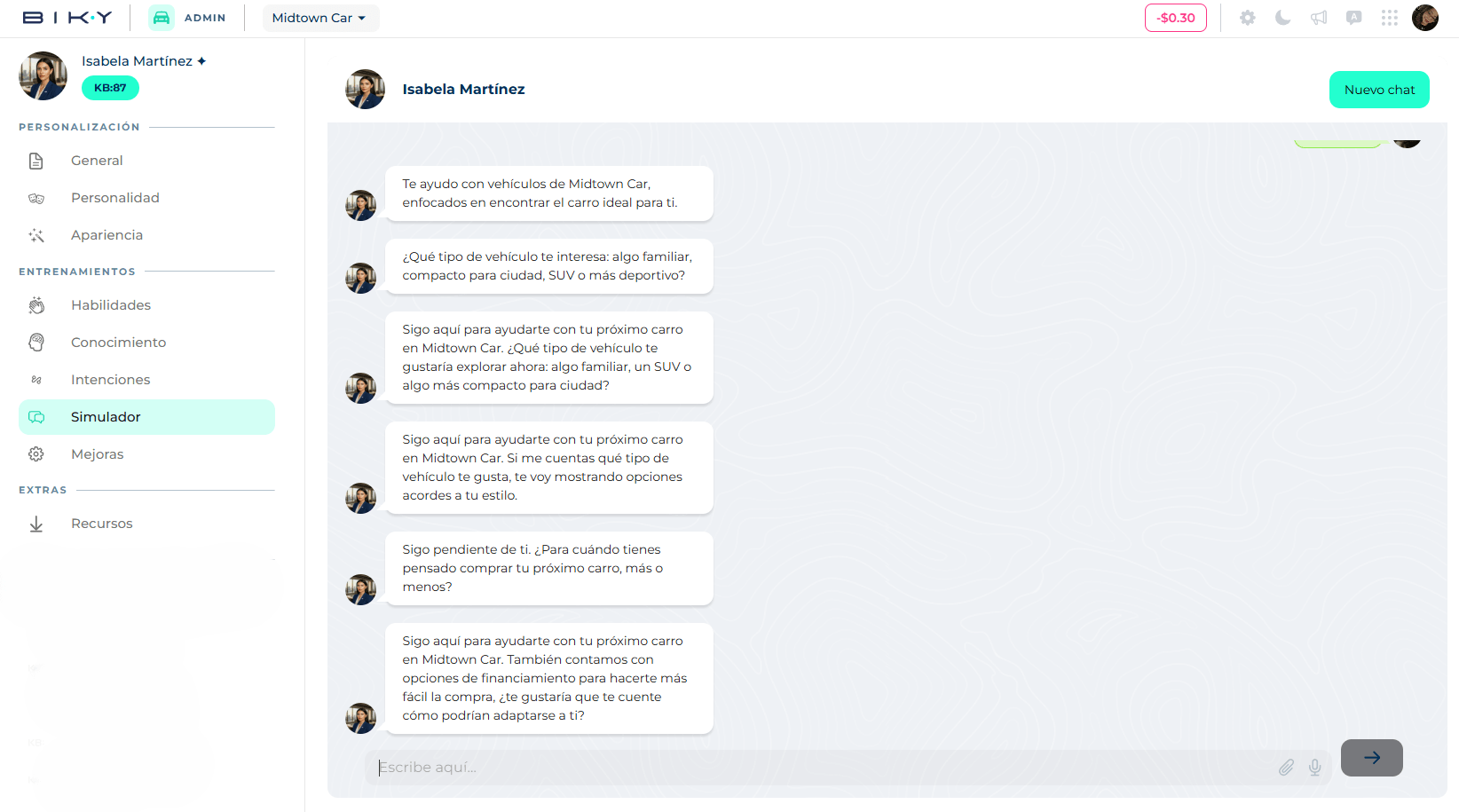
How to use it
- The first time you open it, the agent welcomes you (Hi [your name], I'm excited to start working together!) and shows four suggestions to get started: I'm interested in your products, How can you help me?, I'd like more information and Where are you located?. Click one or type your own message. If you had chatted before, the previous history is still there.
- The agent replies as it would to a customer: same language, tone, emojis, knowledge and intentions you have configured. If the skill is on, it may reply with an image or a voice note.
- Continue the conversation for as many turns as you need.
- New chat clears the history and starts over, handy for testing a different scenario without carrying context.
What to test
- After changing Basic personalization: did the tone change? The emojis?
- After loading Knowledge: ask exactly what you uploaded. If the agent cannot find it, check that the PDF is in Success status and Published.
- After creating an Intention: type the message that should trigger it. Try variants with other words too.
- Edge cases: off-topic questions, rudeness, requests the agent should not accept.
Simulate as a customer, not as the owner
Write with typos, abbreviations and vague questions, the way real people write on WhatsApp. It is the best way to find gaps.
The simulator saves no data
Simulator conversations do not create CDP contacts or SalesCards, and do not count as chats on your plan.