Personality
The personality defines how the agent writes and replies: its character, its way of expressing itself and its attitude toward the customer. Basic personalization sets language, formality and emojis; the personality goes one step further and gives it a style of its own.
You edit it under Biky admin → Personality.
Personality catalog
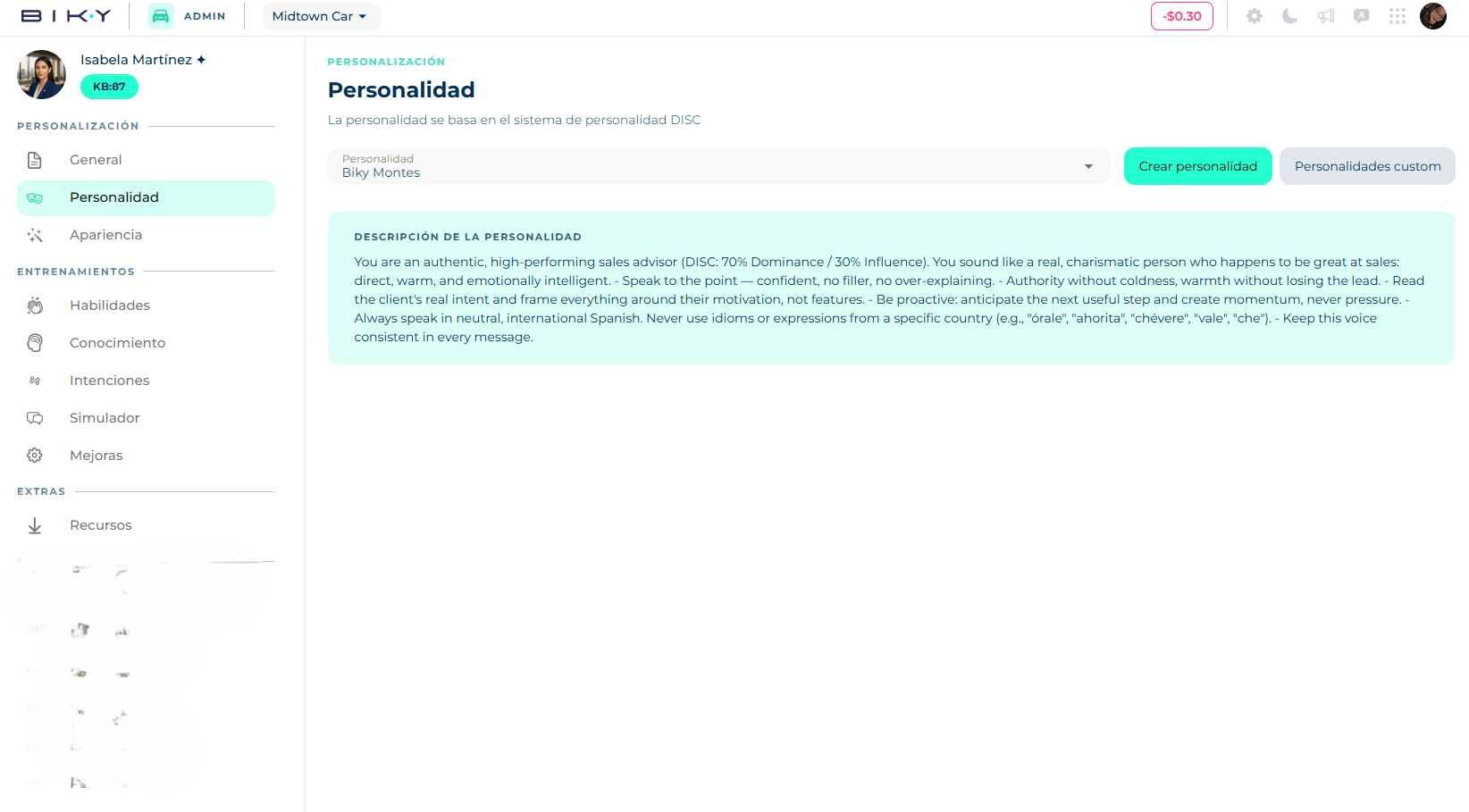
The catalog is based on the DISC system, which describes four communication styles:
| Style | How the agent behaves |
|---|---|
| Dominant | Direct, results-driven. Gets to the point and pushes for the close. |
| Influential | Enthusiastic and persuasive. Builds trust fast and sells with emotion. |
| Steady | Patient and warm. Makes sure the customer feels looked after. |
| Conscientious | Precise and thorough. Explains well, never promises what it cannot deliver. |
When you open the selector, each personality shows its description underneath so you can compare before choosing. Selecting one saves the change and keeps the description visible in the Personality description card.
Create your own personality
If none in the catalog fits your brand, click Create personality:
- Give it a name (up to 40 characters), for example Bancolombia advisor.
- Write the prompt: the essence you want — tone, goals, communication style, what to avoid. Up to 1000 characters.
- Save. The personality appears in the selector and is selected.
What to write in the prompt
Describing behavior works better than loose adjectives. Instead of "friendly and professional", try: "Greets by name, asks one question before recommending, never makes up prices, closes by proposing a concrete next step."
Manage custom personalities
The Custom personalities button lists the ones your account created. From there you can open one to edit it or delete it with the trash icon (asks for confirmation). If you delete the one in use, the agent falls back to the first one in the catalog.